
| 30-Second Answer Technical SEO is the practice of optimizing a website’s infrastructure, crawlability, indexability, speed, and code, so search engines and AI systems can find, process, and trust its content. It’s foundational: no amount of great content or backlinks matters if search engines and AI crawlers can’t actually access and render your pages in the first place. The core areas: crawlability, indexability, Core Web Vitals, JavaScript rendering, security, structured data, and mobile-first readiness. AI crawlers behave differently from Googlebot, several don’t execute JavaScript at all, which means content that renders fine for Google can still be invisible to ChatGPT or Perplexity. Full checklist, AI crawler breakdown, and audit process below. |
Technical SEO is the practice of optimizing a website’s underlying infrastructure, crawlability, indexability, speed, security, and code, so search engines and AI systems can find, process, and ultimately trust its content. It’s the layer everything else in SEO sits on top of: no amount of great content or earned backlinks matters if a crawler can’t actually reach the page in the first place.
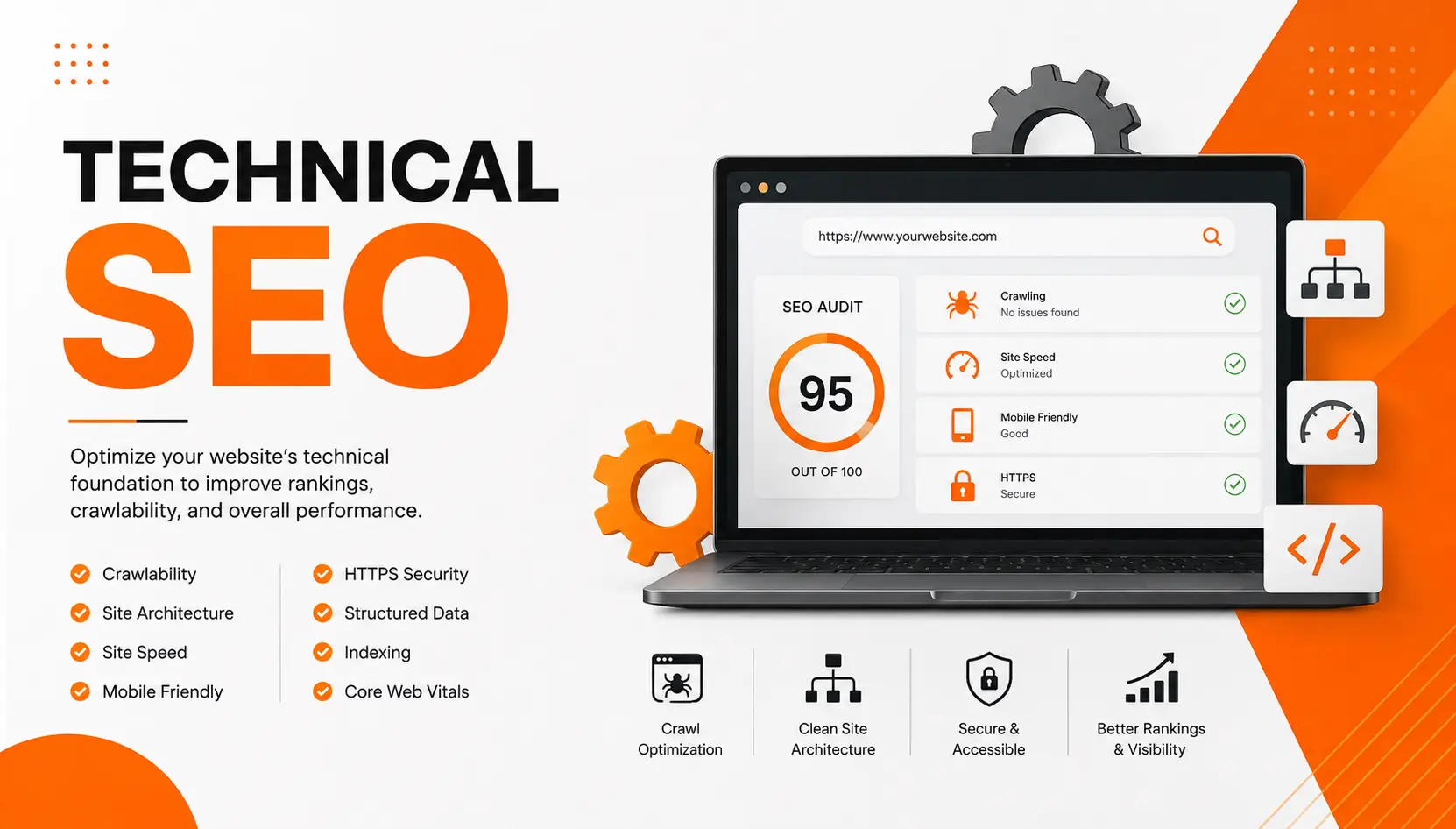
We’d call this the least glamorous part of SEO and also the one most likely to quietly cap everything else you do. Here’s why: a broken robots.txt rule or a JavaScript-dependent page can make otherwise excellent on-page SEO and hard-earned off-page SEO invisible. Nothing about the content changed, the door to it just quietly closed.
What Is Technical SEO, Exactly?
Technical SEO covers everything that determines whether search engines and AI crawlers can access, render, and index your site correctly, separate from what your content says or who links to it. It’s the infrastructure layer: server responses, crawl instructions, page speed, JavaScript behavior, security, and the structured code that gives machines context about what they’re looking at.
The scope has genuinely widened. It used to mean optimizing for one crawler, Googlebot. In 2026, it means optimizing for a growing list of them, GPTBot, PerplexityBot, ClaudeBot, and Googlebot’s various AI-focused variants all behave differently, and a site that’s technically sound for one isn’t automatically sound for the rest.
Technical SEO vs. On-Page vs. Off-Page SEO
| Points | Technical SEO | On-Page SEO | Off-Page SEO |
|---|---|---|---|
| Focus | Site infrastructure and crawlability | Content and HTML on individual pages | Signals earned elsewhere on the web |
| Examples | Robots.txt, Core Web Vitals, schema, HTTPS | Title tags, headers, internal links | Backlinks, brand mentions, reviews |
| What it enables | Whether machines can access content at all | What a page is about | Whether a page deserves to rank highly |
Technical SEO is the foundation the other two sit on. A page can have flawless on-page SEO and a strong off-page SEO profile and still fail to rank if it’s blocked from crawling or too slow to render. For how the other two compare to each other, see our on-page vs. off-page SEO breakdown.
The Technical SEO Checklist: 8 Areas to Get Right
1. Crawlability
If a crawler can’t reach a page, nothing else on this list matters. Check your robots.txt file for accidental Disallow rules, and confirm your priority pages return a clean 200 status code rather than a redirect chain or an error. Watch for crawl budget waste too, faceted navigation, infinite scroll, and parameter URLs can generate thousands of low-value pages that eat into how much of your site gets crawled at all. This is the single most common issue behind the crawl-blocking mistake we cover in our SEO mistakes guide.
2. Indexability
Being crawlable doesn’t guarantee being indexed. Meta robots tags (noindex, nofollow) control this at the page level, and it’s worth remembering that blocking a page in robots.txt stops crawling but doesn’t reliably stop indexing on its own, if other sites link to it, Google can still index the URL with just a title. Canonical tags matter here too: they tell search engines which version of a page to treat as authoritative when duplicates exist, which also helps prevent the kind of keyword cannibalization that splits ranking signals across near-identical pages.
3. Site architecture and internal linking
A clear, hierarchical structure, homepage to category to subcategory to page, helps both users and crawlers understand how your content relates. Keep priority pages within roughly three clicks of the homepage; pages buried deeper get crawled less often and pick up weaker internal linking signals. Descriptive URLs and consistent breadcrumbs reinforce this structure further, giving machines context before they even read the page content.
4. Core Web Vitals and page speed
Google measures real-world page experience through three metrics: Largest Contentful Paint (LCP, main content visible in under 2.5 seconds), Interaction to Next Paint (INP, responds to input in under 200 milliseconds), and Cumulative Layout Shift (CLS, under 0.1). Compress images, minify code, and use a CDN to bring slow pages in line. Check Google Search Console’s Core Web Vitals report for real user data rather than relying only on lab tests.
5. JavaScript rendering
This is where AI crawlers diverge sharply from Google. Googlebot can render JavaScript, though it costs extra time and crawl budget to do so. Most AI crawlers don’t render it at all. If your critical content only appears after JavaScript executes, it may be effectively invisible to ChatGPT, Perplexity, and Claude, even if it ranks fine on Google. Server-side rendering, generating the HTML before it reaches the browser, is the safer approach for content you need every system to see.
6. Security
HTTPS is table stakes at this point, but the common failure isn’t a missing padlock on the homepage, it’s inconsistency elsewhere: an old subdomain still loading over HTTP, an expired certificate on a migrated section, or mixed content where secure pages load insecure images or scripts. Crawl every version of your domain, not just the main one, to confirm HTTPS holds everywhere.
7. Structured data and schema markup
Schema markup, written as JSON-LD, explicitly labels what’s on a page: this is an article, this is the author, this is an FAQ, this is a product with this price. It gives search engines and AI systems structured context they’d otherwise have to infer, and it’s one of the more reliable ways to improve how cleanly your content gets extracted and cited. One rule matters more than any other here: your markup has to match what’s actually visible on the page, or search engines may ignore it entirely, or worse, treat it as spam.
8. Mobile-first indexing
Google uses the mobile version of your site for crawling, indexing, and ranking, not the desktop version. If your mobile experience is slower, missing content, or harder to navigate than desktop, that’s the version search engines are actually judging. This matters even more for local SEO, since most location-based searches happen on a phone in the first place.
Which Bots Are Actually Crawling Your Site?
Beyond Googlebot, a growing list of AI crawlers now access your site for different purposes, training their models versus retrieving content in real time to answer a question. Knowing the difference matters, since blocking one doesn’t block the other.
| Company | Bot | Purpose |
|---|---|---|
| OpenAI | GPTBot | Trains models on your content |
| OpenAI | OAI-SearchBot | Indexes for real-time search retrieval |
| Perplexity | PerplexityBot | Indexes for search retrieval |
| Anthropic | ClaudeBot | Trains models on your content |
| Anthropic | Claude-SearchBot | Indexes for search retrieval |
| Google-Extended | Trains models on your content | |
| Googlebot | Traditional search plus AI Overviews |
Blocking training bots doesn’t affect whether you can appear in that company’s real-time answers, and blocking a retrieval bot means you won’t be cited, but your content also won’t be used to train future models. Full technical specs for each are documented directly by the companies: OpenAI’s bots, Perplexity’s crawlers, and Anthropic’s crawler.
How to Audit Your Technical SEO
Start with Google Search Console, it’s free and shows real crawling and indexing data directly from Google: the Pages report flags why URLs aren’t indexed, Core Web Vitals shows real-user performance, and URL Inspection lets you see exactly what Google renders for any given page. Beyond that, third-party crawlers like Screaming Frog or Sitebulb can simulate bot behavior in bulk across your entire site, surfacing broken links, redirect chains, missing metadata, and duplicate content that Search Console alone won’t catch.
How Often Should You Audit Your Technical SEO?
Run a full audit quarterly as a baseline, and immediately after any major change: a site migration, a sudden traffic drop, a CMS update, or a template redesign. Technical SEO isn’t a one-time setup; new pages, new templates, and even routine content updates can quietly introduce issues that a periodic audit is the only reliable way to catch.
| The One-Sentence Version Fix crawlability and indexability first, nothing else matters until machines can actually reach your pages. Server-side render critical content; most AI crawlers don’t execute JavaScript the way Google does. Hit Core Web Vitals targets: LCP under 2.5s, INP under 200ms, CLS under 0.1. Add schema markup that matches exactly what’s visible on the page. Audit quarterly, and always after a migration, redesign, or traffic drop. |
Technical SEO FAQs
What’s the difference between technical SEO and on-page SEO?
Technical SEO covers site infrastructure, crawlability, speed, security, code, that determines whether machines can access and process your content at all. On-page SEO covers the content and HTML elements on individual pages, titles, headers, internal links, once that access already exists.
Is technical SEO a ranking factor?
Indirectly, but powerfully. Most technical SEO elements don’t boost rankings on their own; they remove barriers that would otherwise prevent your content from being crawled, indexed, or trusted in the first place. Core Web Vitals is the clearest exception, it’s a confirmed direct ranking signal.
Do AI crawlers follow robots.txt rules?
Not reliably. Major AI companies generally respect robots.txt for their named bots, but not every crawler on the web does, and robots.txt is a voluntary instruction, not an enforced block. Treat it as a strong signal, not a guarantee.
Should I block AI crawlers from my site?
It depends on your goals. Blocking training bots keeps your content out of model training data but doesn’t affect real-time citation. Blocking retrieval bots (like PerplexityBot or OAI-SearchBot) means you won’t appear in that platform’s answers at all. If AI visibility matters to your strategy, allowing retrieval bots is usually the right call.
How do I know if my site has a JavaScript rendering problem?
Disable JavaScript in your browser and reload your priority pages. If important content disappears, a JavaScript-only crawler (most AI bots, and Googlebot under crawl budget pressure) may not be seeing it either. Server-side rendering is the fix for content you need every system to reliably access.
What tools do I need for a technical SEO audit?
Google Search Console is free and essential for real crawl and indexing data. Beyond that, a third-party crawler like Screaming Frog handles bulk site analysis, and PageSpeed Insights or Lighthouse cover Core Web Vitals diagnostics in more depth.
The Bottom Line
Technical SEO is the part of the job that doesn’t show up in the content itself, which is exactly why it’s so easy to overlook and so damaging when it’s wrong. Fix crawlability and indexability first, since nothing else matters until machines can actually reach your pages, then work through speed, rendering, security, and structured data. Get this right and your on-page and off-page work finally has a foundation solid enough to actually be seen.